Map collision models ("miss-hit")
Map model collision works like this: when part of a character's bones are blocked, the aimbot automatically searches the remaining body parts — commonly called miss-hit.
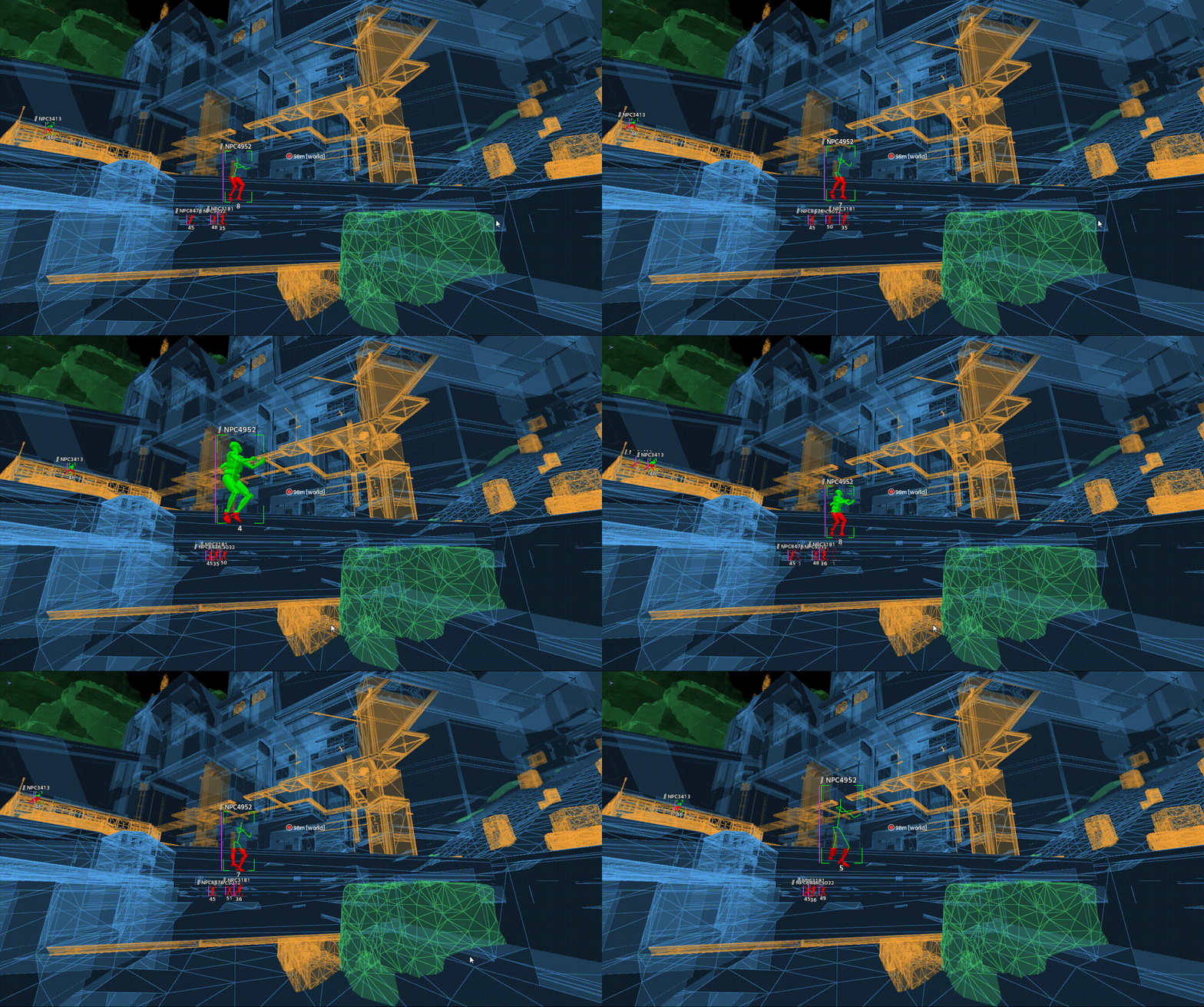
Miss-hit demo
There are two ways to get the map model collision files — pick either one. When the game map updates, you'll need to export directly from the menu to get the latest map models.
| Download | Export | |
|---|---|---|
| Best for | Want ready-made files | After a game map update |
| How | Download the models from GitHub Releases, extract and put the files into the app directory's collision folder (create the folder yourself if it doesn't exist) | Export directly from the menu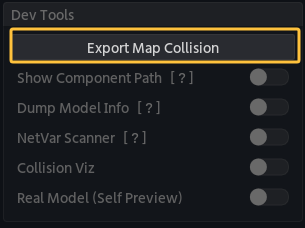 |
| Time | Depends on your connection | 2–5 minutes, during which the software cannot be used normally |
Where do the files go?
Model files go into the collision folder inside the app directory. Not sure where that is? Open it from the gear menu at the top right of the app page → Open App Directory; the full layout is in Overview → Directory layout.
Enabling
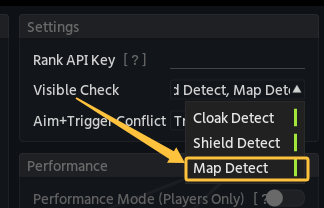
Enable map model collision checking in the menu under settings → settings → vischeck:
Advanced
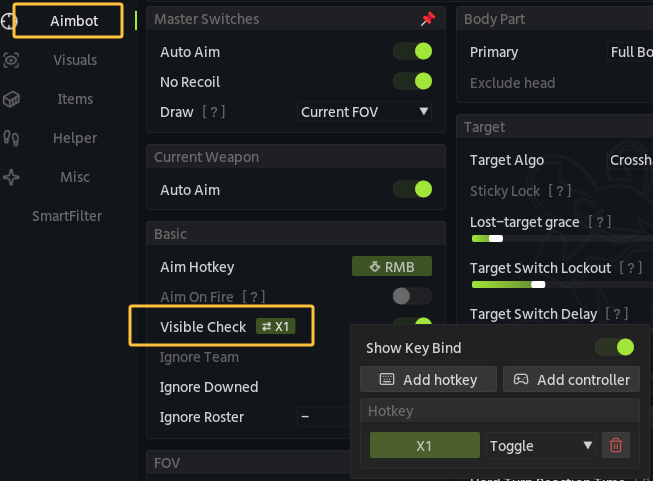
Set a hotkey for the aimbot's visibility check to get smoke penetration (smoke isn't treated as a blocker) while still not aiming through map models (walls, terrain):
Doors and windows don't count as map models
Smoke aim may lock onto targets through doors and windows — keep that in mind.